Latest release
Latest release v12.01Latest public release: Jul 13, 2026.
Linux wireless assessments
Built around Bash and focused on Linux environments, airgeddon combines interface handling, multiband support for 2.4GHz, 5GHz and 6 GHz, handshake and PMKID capture, Evil Twin attacks, WPS tooling, enterprise attack modes, WPA3 support, plugins, Docker, and headless operation.

Latest public release: Jul 13, 2026.
Community traction around the project.
Active reuse and contribution base.
Updated from GitHub commit history on branch master.
Latest changes
Published from the upstream CHANGELOG.md on both long-lived branches so visitors can compare the latest stable and development state.
Why it matters
The upstream feature list covers interface mode switching, handshake and PMKID capture, WPA3 paths, Evil Twin scenarios, WPS automation, enterprise credential capture, Docker support, tmux for headless systems, and a plugin system that keeps extending the tool.
Operational map
Official screenshots
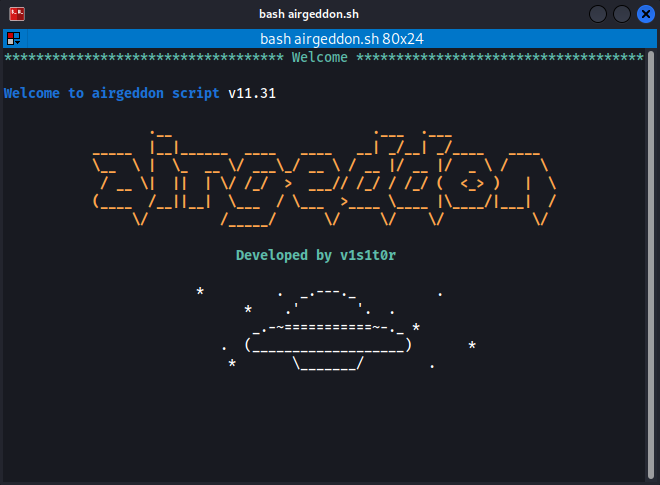
The gallery uses official images from the upstream project, including the intro screen, the main menu, and the captive portal attack workflow.
Platform coverage
The official compatibility and features pages highlight support across many Linux distributions, Wayland support, xRDP and remote X workflows, plus tmux for headless environments.
Use it only on networks and infrastructure you own or are explicitly authorized to assess.
Docker images, auto-updates, plugin hooks, optional Bettercap, BeEF, hashcat, and more.
Controlled exit routines, cleanup tasks, and restore handling for iptables and nftables changes.
Dynamic screen sizing, graphical workflows, and headless operation through tmux where needed.
Multilanguage support with OS language autodetection and per-menu usage hints.
Typical flow
Get started
Installation, requirements, usage, Docker workflows, compatibility notes, and plugins are documented in the official wiki.
Certification
The airgeddon wiki recommends the Certified WifiChallenge Professional certification for people who want to learn how to perform professional wireless network assessments.
The course is 100% online, includes practical lab work, and the wiki notes that airgeddon's main author passed the exam and collaborates with the certification content.
airgeddon Discord Server includes a dedicated #cwp channel for certification and lab topics. Exam-related discussion is not allowed.
Hands-on exercises help turn wireless assessment concepts into repeatable practice.
Lifetime access after purchase and frequently updated content.
Students are guided step by step through each lab exercise in the online course.
airgeddon Discord Server has a dedicated channel for CWP and lab discussion.
Sponsorship
Sponsorship helps keep airgeddon maintained, plugins updated, the WPS pin database refreshed, wiki documentation current, and community moderation active.
The official plugin modifies the captive portal configuration to serve it over HTTPS with a valid and trusted certificate.
Monthly sponsors on the $10 tier or higher get access to the private HTTPS Captive Portal Plugin, which serves the Evil Twin captive portal over HTTPS using a valid certificate.
The goal is to have 15 monthly sponsors. Let’s keep growing! Let’s make it happen together. Thank you! 🙌
A single contribution for people who want to support airgeddon without an active monthly sponsorship.
Includes a GitHub Sponsor badge, Discord sponsor role, and listing as a sponsor in the airgeddon wiki.
Adds listing in the airgeddon app, plugin idea hook guidance, and private HTTPS Captive Portal Plugin access.
Adds acknowledgement on Twitter - X and priority support for airgeddon usage and professional wireless assessments.